Part of the guide: Mushrooms: A Complete Guide to Identification, Cooking, and Cultivation
Why CO₂ Matters for Fruiting
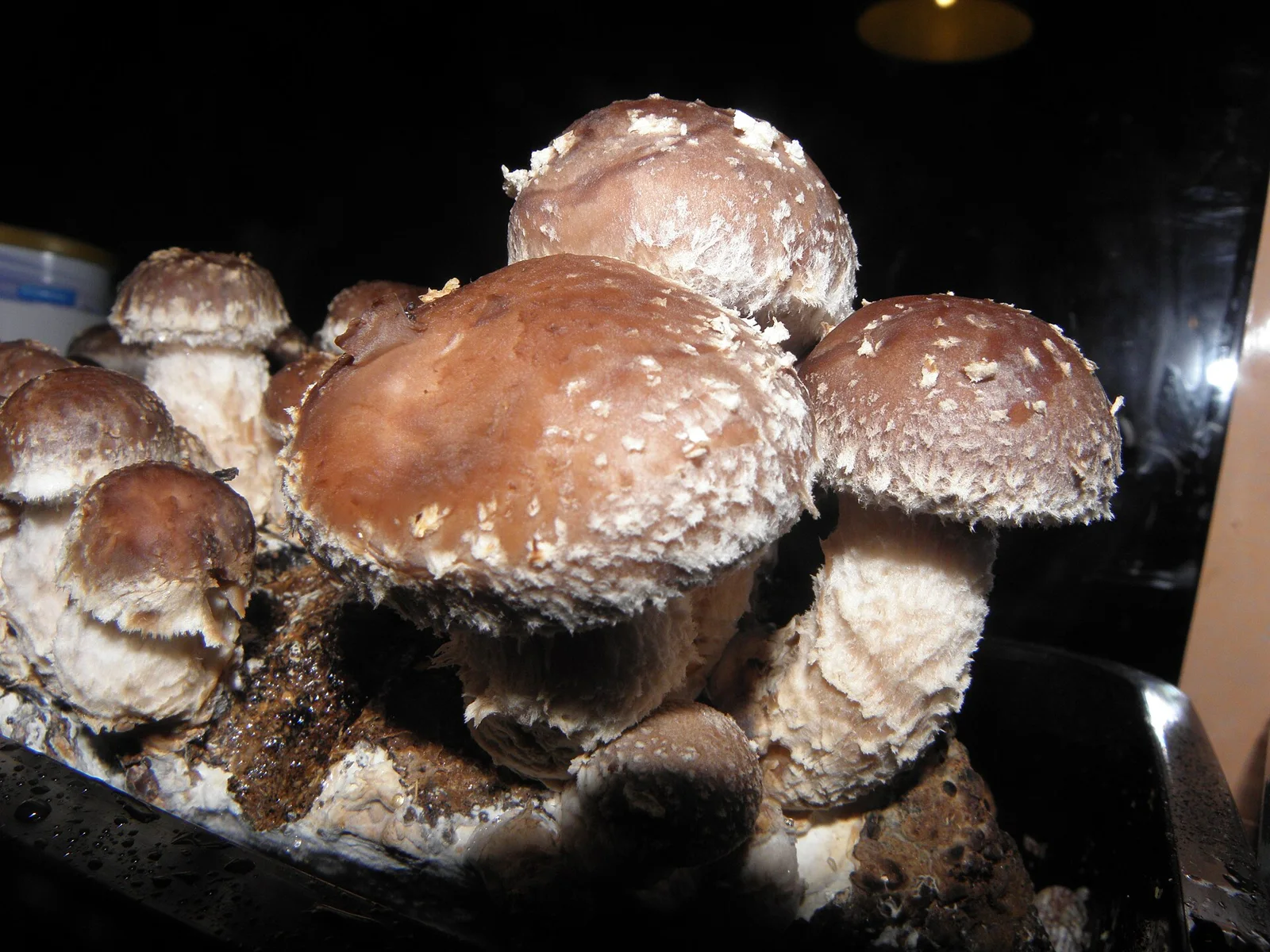
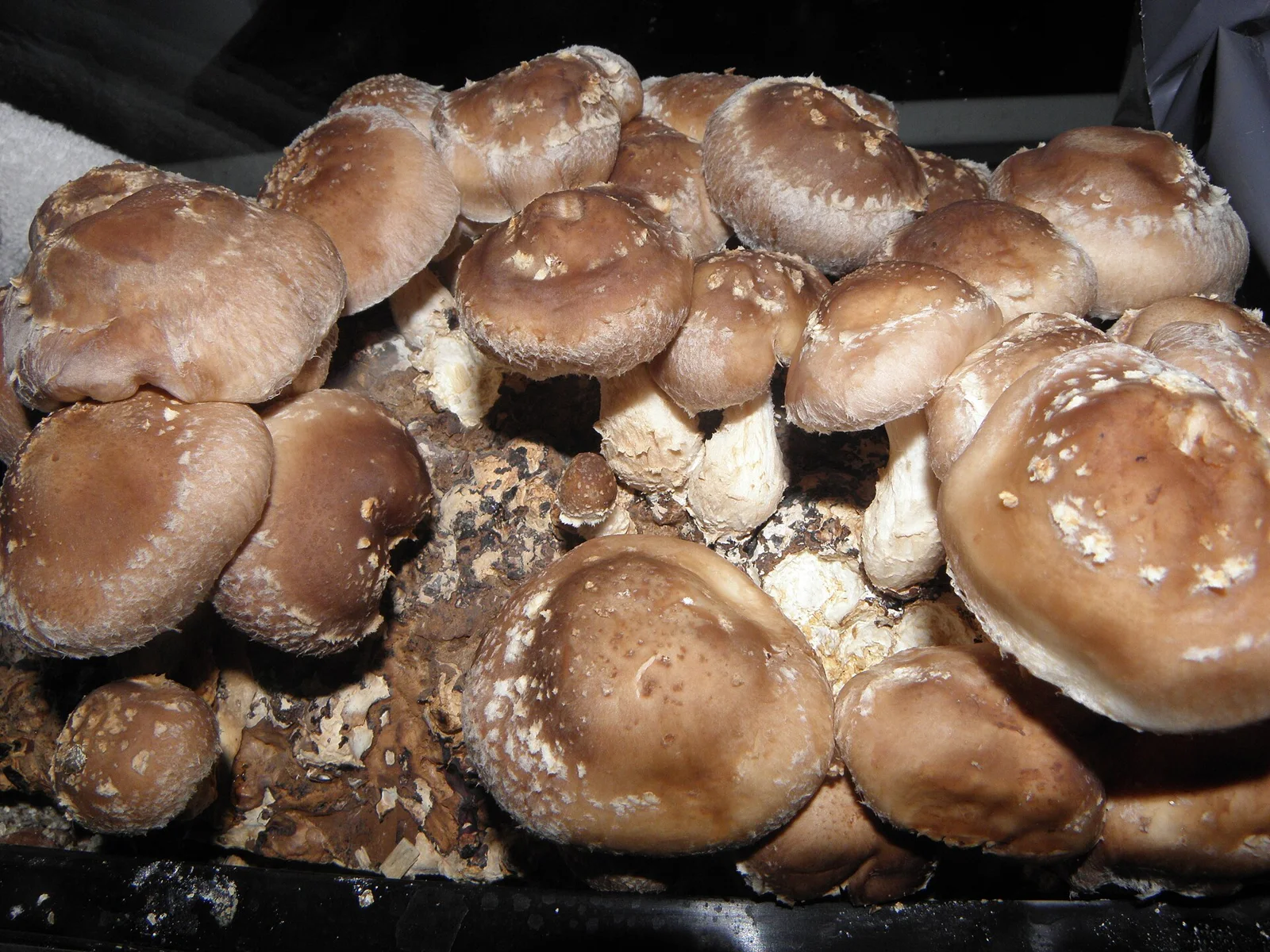
Mushrooms breathe differently from plants. During the vegetative stage they thrive in high carbon‑dioxide (CO₂) environments, but once they start pinning and forming fruit bodies the gas needs to drop to roughly 600–800 ppm for most species. Too much CO₂ can produce elongated stems, thin caps, or delayed pinning, while too little can stress the mycelium and reduce yields. Monitoring the gas level lets growers intervene with fresh air exchanges at just the right moment.
Parts List and Where to Find Them
| Item | Typical Cost | Example Source |
|---|---|---|
| Arduino Uno (or compatible clone) | $10‑$20 | Amazon, local electronics store |
| MH‑Z19B NDIR CO₂ sensor (0‑5,000 ppm) | $15‑$25 | Adafruit, SparkFun |
| 4‑digit 7‑segment display or small LCD (optional) | $5‑$10 | eBay, AliExpress |
| Breadboard and jumper wires | $5‑$8 | Any electronics retailer |
| 5 V DC power supply (wall adapter) | $5‑$7 | Electronics shops |
| Small enclosure (plastic project box) | $3‑$6 | Home‑depot, online |
| Optional: Mini fan for active air exchange | $5‑$12 | Amazon |
All components are hobby‑grade and widely available. The total cost stays under $80, far cheaper than commercial indoor‑farm CO₂ monitors.
Wiring the Sensor to the Arduino
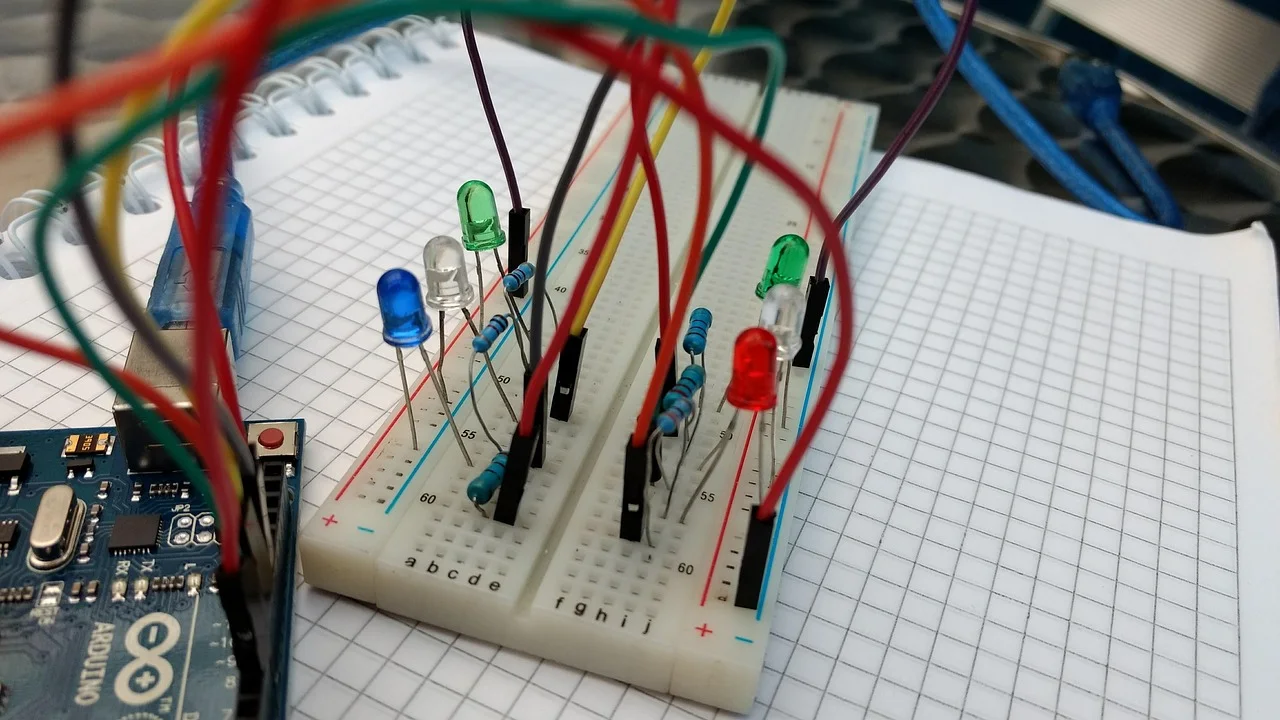
- Power the sensor – Connect the sensor’s VCC pin to the Arduino’s 5 V pin and GND to GND.
- Data line – The MH‑Z19B uses a UART (TX/RX) interface. Connect the sensor’s TX to Arduino pin 2 (software serial RX) and sensor’s RX to pin 3 (software serial TX).
- Optional display – If using a 4‑digit display, hook its segment pins to digital pins 4‑7 and its common cathode to GND. Use a current‑limiting resistor (≈220 Ω) for each segment.
- Power supply – Plug the 5 V adapter into the Arduino’s barrel jack; the board will power the sensor and any attached display.
A simple schematic can be drawn in Fritzing or hand‑sketched for reference. Double‑check that all connections are secure before powering up.
Programming the Arduino
- Install the SoftwareSerial library (included with the Arduino IDE).
- Add the MH‑Z19 library – Available from GitHub (
<https://github.com/WifWaf/MH-Z19>). Download, unzip, and place the folder in yourlibrariesdirectory. - Upload the sketch – The example code below reads CO₂ concentration every 2 seconds and prints it to the Serial Monitor. If you attached a display, the code also updates the digits.
#include <SoftwareSerial.h>
#include "MHZ19.h"

SoftwareSerial mySerial(2, 3); // RX, TX
MHZ19 co2;

void setup() {
  Serial.begin(9600);
  mySerial.begin(9600);
  co2.begin(mySerial);
  co2.autoCalibration(); // turn off if you prefer manual calibration
}

void loop() {
  int ppm = co2.getCO2();
  Serial.print("CO2: ");
  Serial.print(ppm);
  Serial.println(" ppm");
  // optional: update display here
  delay(2000);
}
Calibration tip: The sensor comes pre‑calibrated for 400 ppm (typical outdoor air). For indoor fruiting rooms, you can perform a zero‑point calibration by exposing the sensor to fresh outdoor air for a few minutes, then calling co2.calibrateZero() in the sketch.
Interpreting the Readings and Controlling Fresh Air
Place the sensor at mushroom height (around 12‑18 inches above the substrate) and away from direct airflow. Record the ppm values over a 24‑hour period to establish a baseline. When the reading stays above ~900 ppm for more than an hour, open the room’s vent or turn on a small exhaust fan for 5‑10 minutes. Aim to bring the level down to the 600‑800 ppm window before pins appear.
For automated control, you can add a relay module to the Arduino and program it to switch a fan on when ppm exceeds a threshold. The same sketch can be extended with if (ppm > 900) digitalWrite(relayPin, HIGH); else digitalWrite(relayPin, LOW);.
Maintaining Accuracy Over Time
NDIR sensors drift slowly. Re‑calibrate the unit every 2‑3 weeks using fresh outdoor air, or follow the manufacturer’s recommended schedule. Keep the sensor clean—dust on the optical window reduces accuracy. A quick wipe with a dry microfiber cloth is sufficient.
Bringing It All Together on the Farm
Mount the Arduino and sensor in a small waterproof enclosure near the fruiting chamber. Run the sensor’s cable through a sealed grommet to the interior of the grow room, then route the power cable to your outlet. Label the enclosure with the target CO₂ range so anyone on the team can quickly see if conditions are optimal.
With this DIY monitor, growers can maintain the delicate balance of gases that encourages robust pinning and healthy fruit bodies—without spending hundreds on commercial equipment. The same principles apply whether you’re cultivating oyster, shiitake, or lion’s‑mane mushrooms in a basement lab or a larger greenhouse.
And just as we fine‑tune the atmosphere for mushrooms on Earth, the same science helps us imagine how future habitats on Mars might support fungal life.
Sources
- MH-Z19B CO2 Sensor Datasheet
- Arduino SoftwareSerial Library
- Mushroom CO2 requirements for fruiting
- GitHub – WifWaf/MH-Z19 Arduino library
This article was prepared with AI assistance from the sources listed above and approved by the Mushroom 2 Mars team before publication.